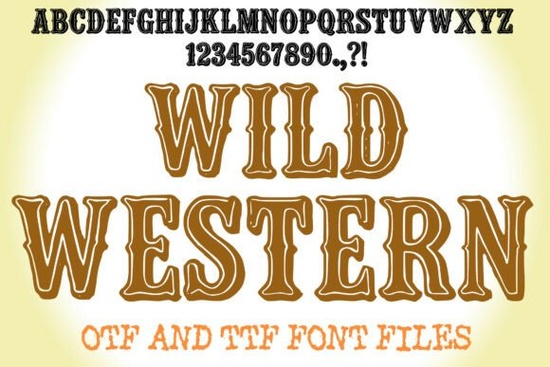
If you're looking for a bold, authentic-looking display font that instantly evokes saloon doors, dusty trails, and vintage rodeo posters, the Wild Western Font is a solid choice especially if you design for small businesses, crafters, or print-on-demand shops with a country, BBQ, or Americana theme. It’s not just another “cowboy” font with stretched letters and random spur shapes. This one was built with real typographic care: thick stems, hand-crafted flared terminals, engraved inlines, and tight, consistent spacing that holds up even at large sizes.
What makes Wild Western Font work so well for real projects?
It’s designed to be used, not just admired. The OTF and TTF files include full A–Z uppercase, numerals, and standard punctuation no missing glyphs or awkward substitutions mid-design. Because it’s a display font (not meant for body text), it shines on things like:
- Event posters for local rodeos, county fairs, or live country music nights
- Branding for small-batch BBQ sauces, craft seltzers, or western-themed apparel
- Wooden signs, vinyl decals, or heat-transfer designs for craft fairs
- Logos and badges where you want immediate visual recognition and personality
You don’t need advanced software to get good results. In Illustrator or Canva, try adding a subtle stroke or drop shadow even a light grain texture layered underneath and the font gains depth without looking overworked. For warmer, more nostalgic impact, pair it with warm-toned backgrounds: faded kraft paper, weathered wood textures, or soft sepia gradients.
How should you pair it with other fonts?
Since Wild Western is strong and highly stylized, it works best when balanced with something clean and neutral. Think of it like a bold jacket over a simple shirt: use a modest grotesk (like Montserrat or Inter) or a slightly condensed serif (like Playfair Display or Crimson Text) for supporting text product descriptions, event dates, or website copy. Tracking adjustments matter too: try –10 to +40 depending on size. At 72pt+, tighter tracking helps keep the rhythm cohesive; smaller headlines (say, 36pt for social banners) often breathe better with slight expansion.
Is it beginner-friendly?
Yes especially if you’ve used fonts before in Canva, Cricut Design Space, or Silhouette Studio. Installation is standard (double-click the OTF/TTF file, then install). No ligatures or alternate characters to manage. No learning curve. That said, it’s worth previewing how it renders at different sizes and on different devices especially if you’re exporting for web use or mobile ads. Print designers will appreciate the crisp vector outlines and consistent spacing; digital crafters will like how cleanly it cuts on vinyl or engraves on wood.
If you enjoy this kind of expressive, era-inspired type, you might also like Grinches Font, which brings playful cartoon energy to holiday or kids’ projects, or Boy Graffiti Font for urban streetwear vibes. For contrast, Self Dream Font offers softer, dreamy lettering useful if you switch between rustic and ethereal themes across client work.
For reference, you can see how other designers use the Wild Western Font on Creative Market-style galleries, including mockups of mugs, t-shirts, and outdoor signage. And if you’re exploring alternatives within the same category, Wild Western Font remains one of the more consistently well-reviewed display fonts for western and vintage branding.
Before you download or license it, ask yourself:
- Do I need uppercase-only lettering? Yes, this set includes A–Z only (no lowercase), so avoid using it for long paragraphs or mixed-case headlines.
- Will it scale well for my use case? It performs best from 36pt upward. Below 24pt, details like the engraved inlines may blur or disappear on screen or in low-res prints.
- Do I have a clear pairing in mind? If not, test it next to a free Google Font like Barlow Semi Condensed or Lora both offer enough contrast without competing.
- Is this for commercial use? Yes, the standard license covers POD, small business branding, and physical products just double-check the latest license terms on the product page before scaling up.
Start simple: open your design tool, type “RIDE OUT” or “TEXAS BBQ”, apply Wild Western Font, and adjust tracking to –20. Then add a warm orange-to-brown gradient behind it. You’ll see right away whether it fits your vision no guesswork needed.
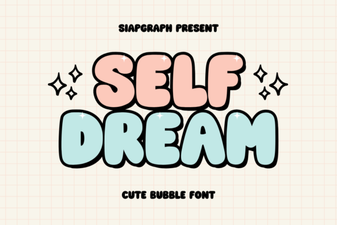 Self Dream Font: Design Your Typographic Imagination
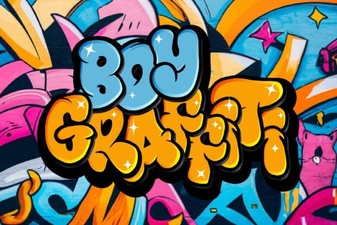 Design Your Street Art with Graffiti Fonts
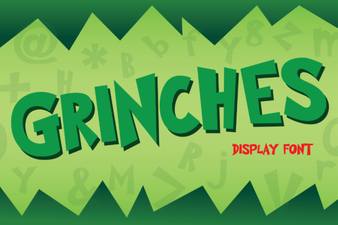 Craft Your Own Grinches Font for Holiday Designs
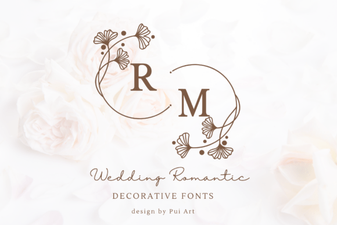 Romantic Font Designs for Weddings & Love Stories
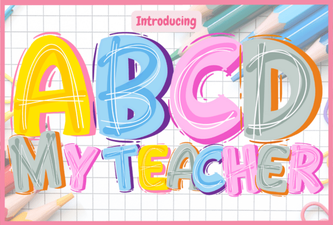 A Creative Font for Classroom Designs
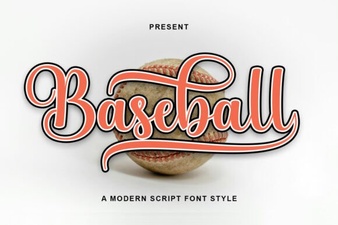 Baseball Font Design Ideas for Your Sports Projects